 Skip to content

Video workflows that stay organized as you grow
Manage video libraries, collaborate across teams, organize projects with workspaces, and keep everything structured as your content and operations scale over time.
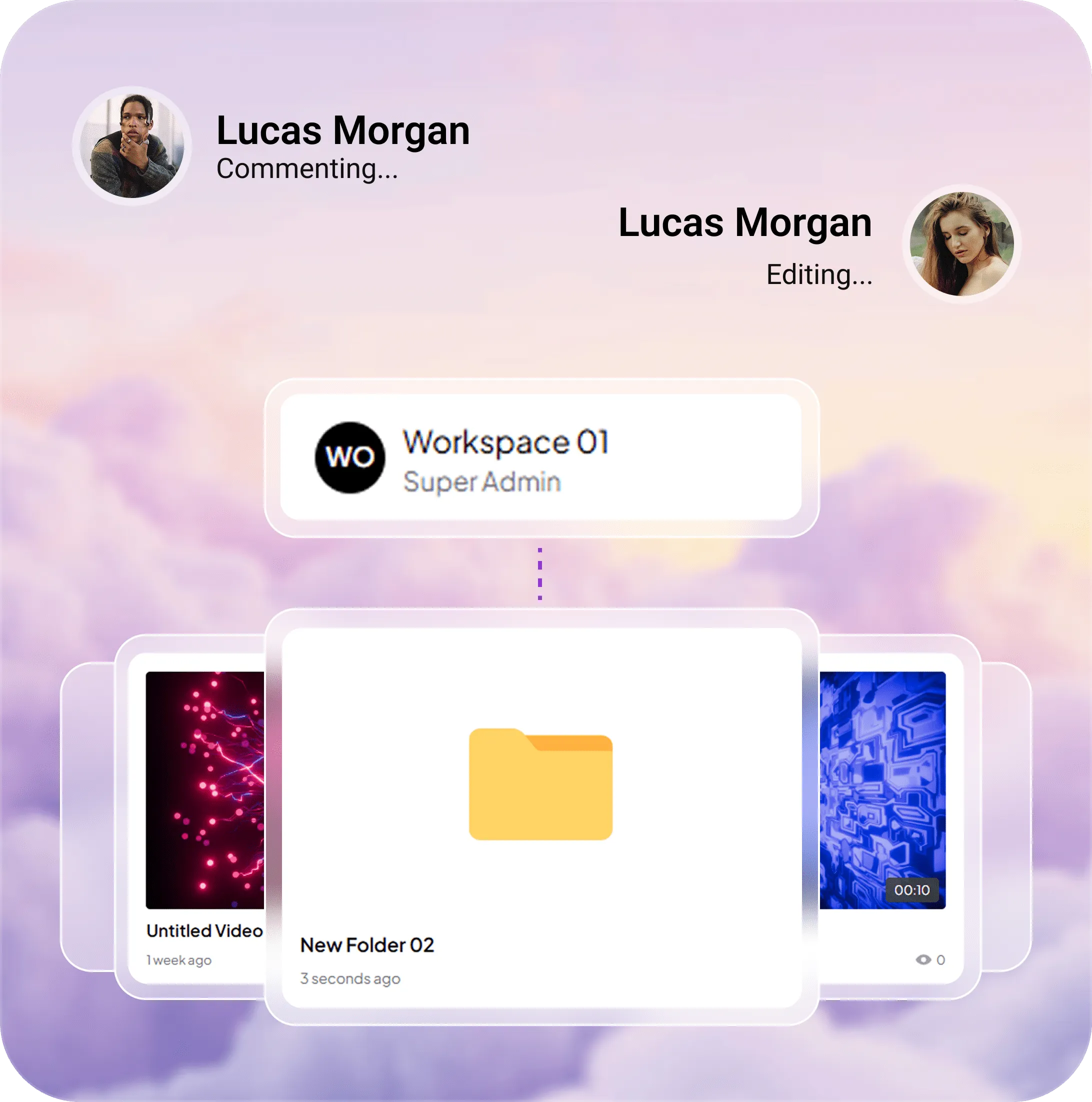
We make video management structured and collaborative
As video libraries grow, managing content across projects, clients, and teams can quickly become difficult to organize. Skippz brings everything into one structured workflow with organized libraries, shared access, workspaces, and collaboration tools designed to keep video operations clear and manageable as you scale.
- Organized video libraries
- Shared team access
- Workspace based management
Built for structured collaboration
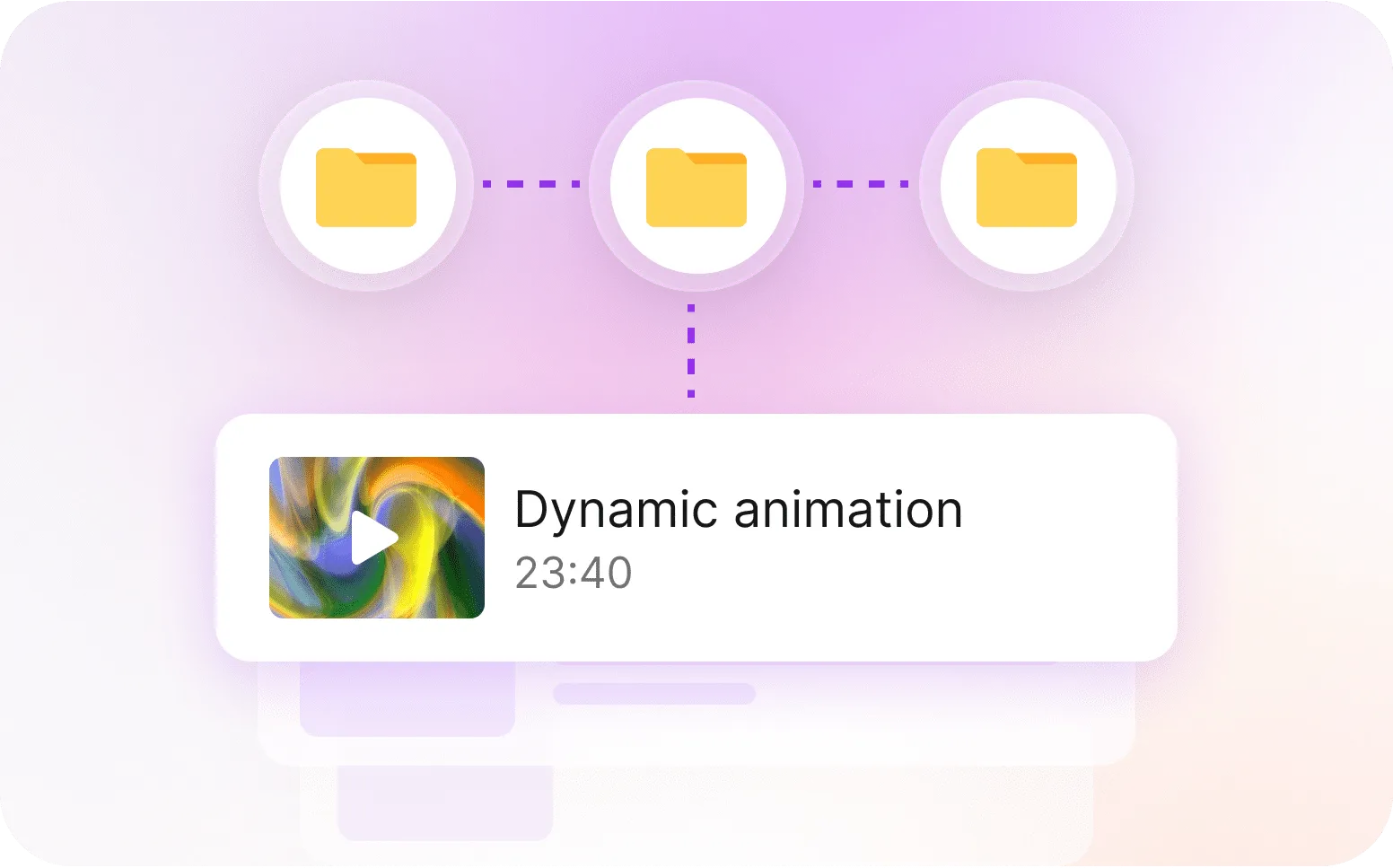
Organized Video Library
Manage videos with a familiar folder and sub folder structure designed to keep growing libraries easy to navigate and maintain.
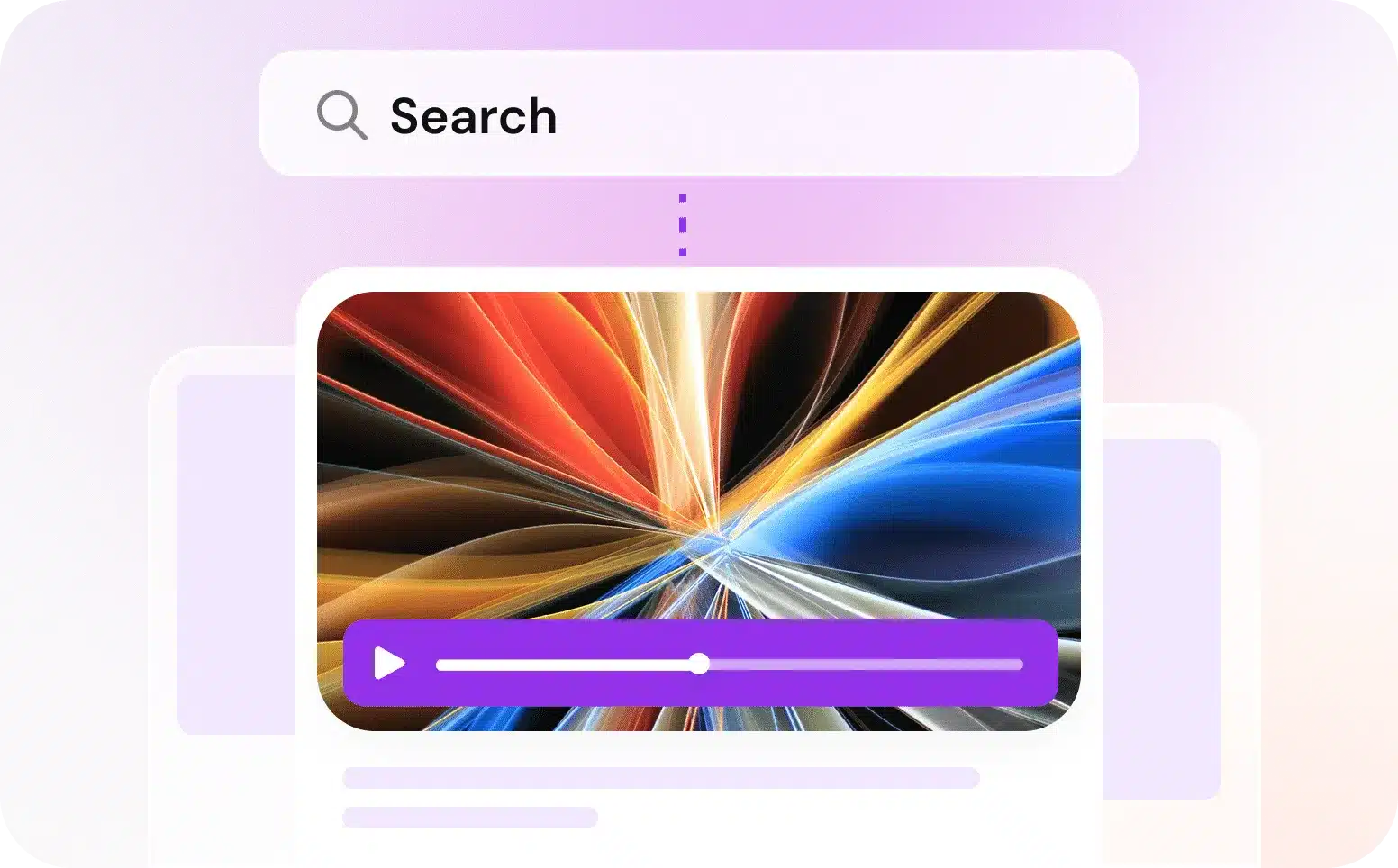
Smart Search & Tagging
Find videos quickly using tags, structured organization, and search tools designed for fast content management workflows.
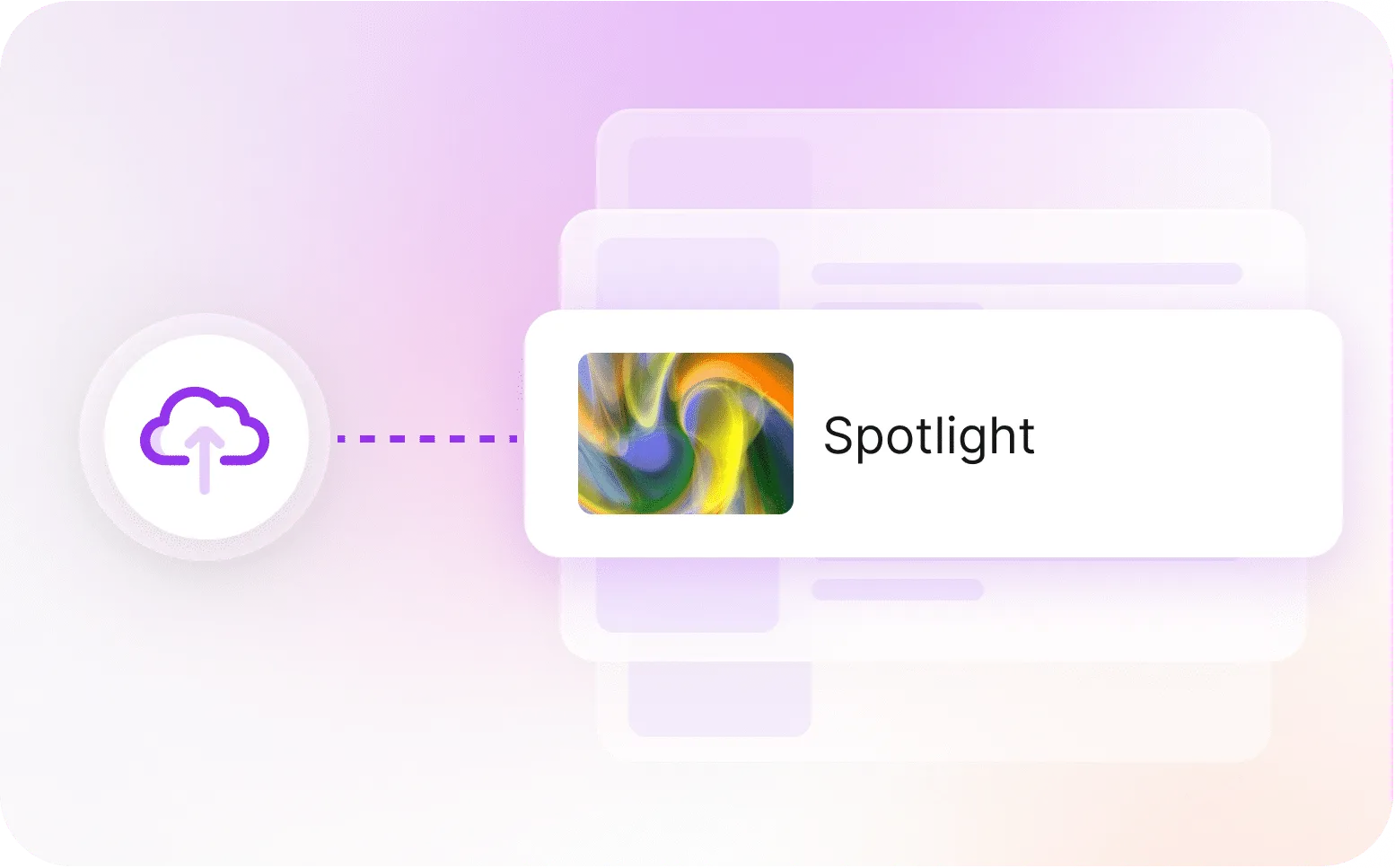
Seamless Upload & Sync
Upload once and manage content centrally across playlists, spotlights, and workflows without unnecessary duplication.

Workspaces
Separate teams, projects, or clients into dedicated workspaces with their own structure, branding, and management environment.
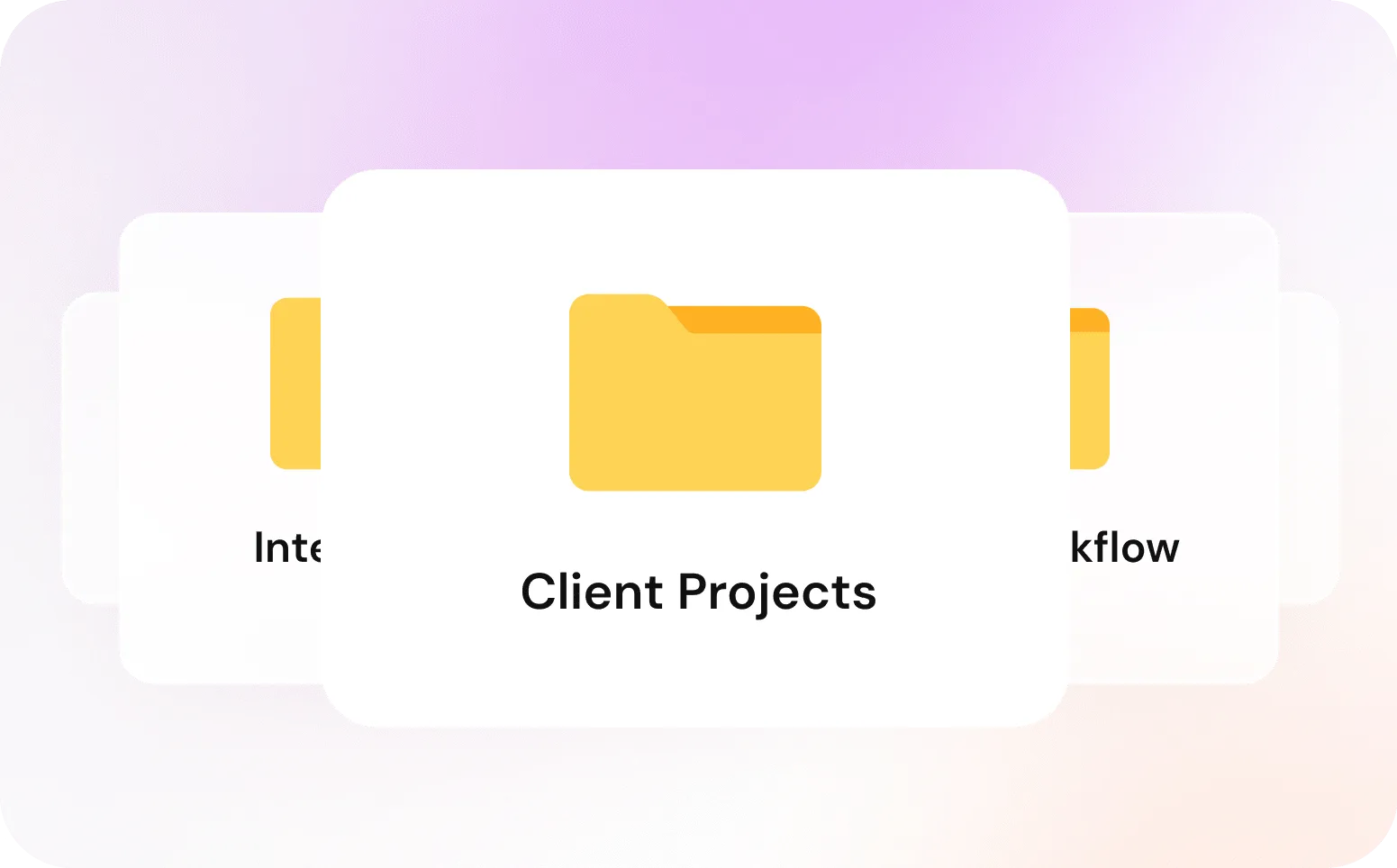
Structured Client Management
Keep client projects, internal content, and team workflows separated and organized without creating unnecessary complexity as your operations grow.
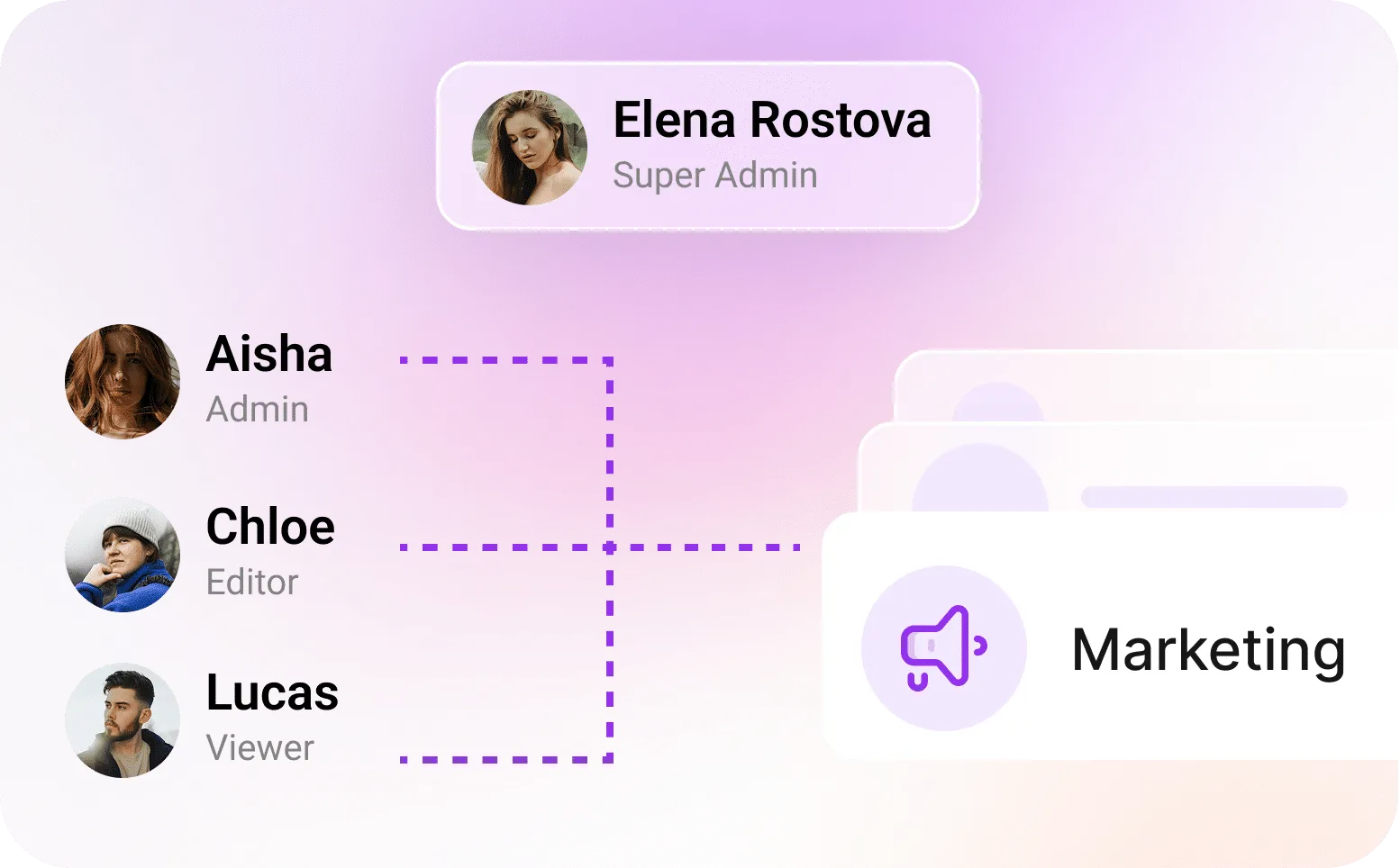
Team Permissions
Control how team members access content across individual or multiple workspaces with flexible permission management.
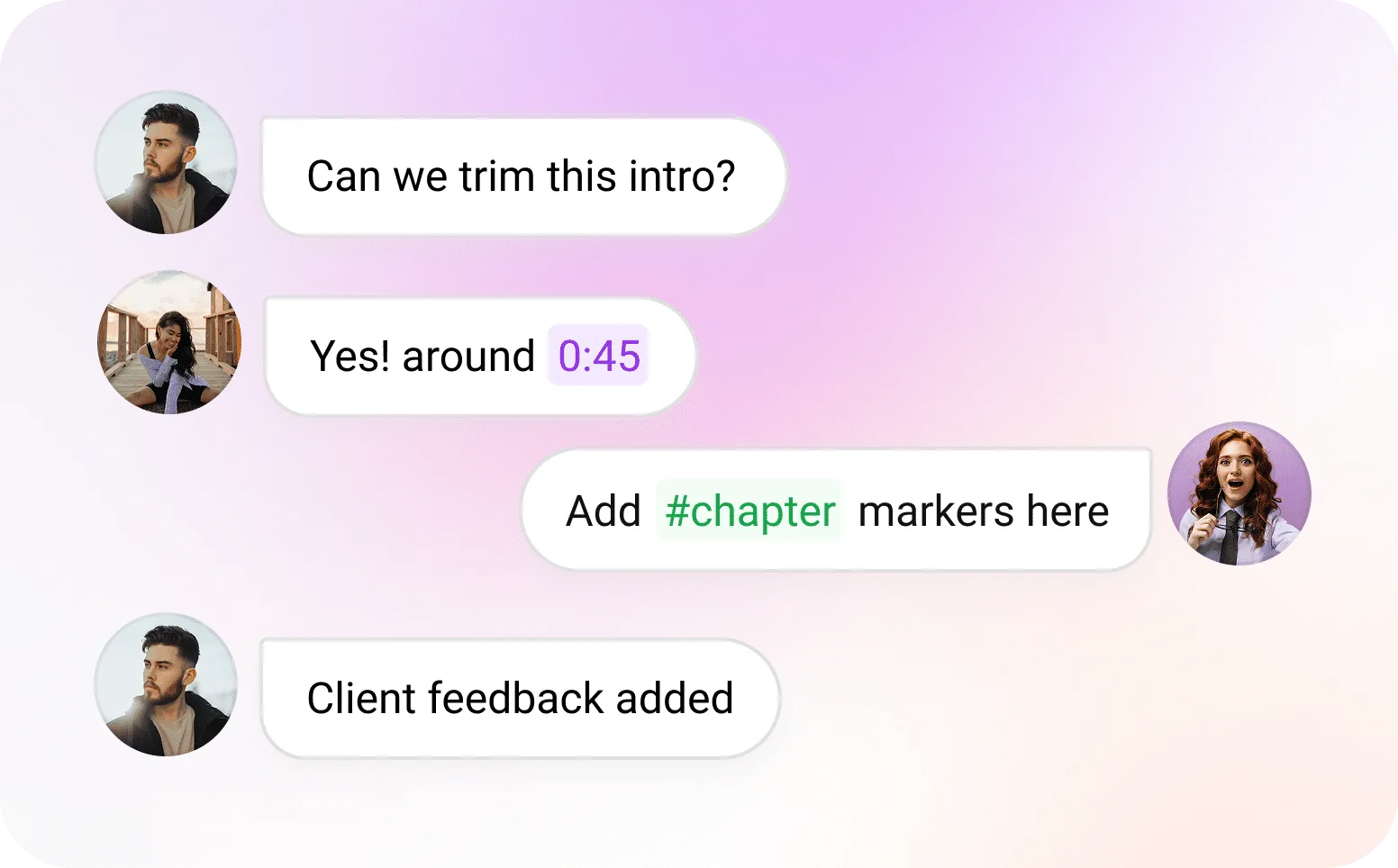
Collaborative Review Tools
Collaborate directly on videos with comments, timestamp discussions, chapter planning, marketing notes, and threaded conversations.

Custom Domains & Branding
Create consistent branded experiences across workspaces, share pages, and embedded video experiences.
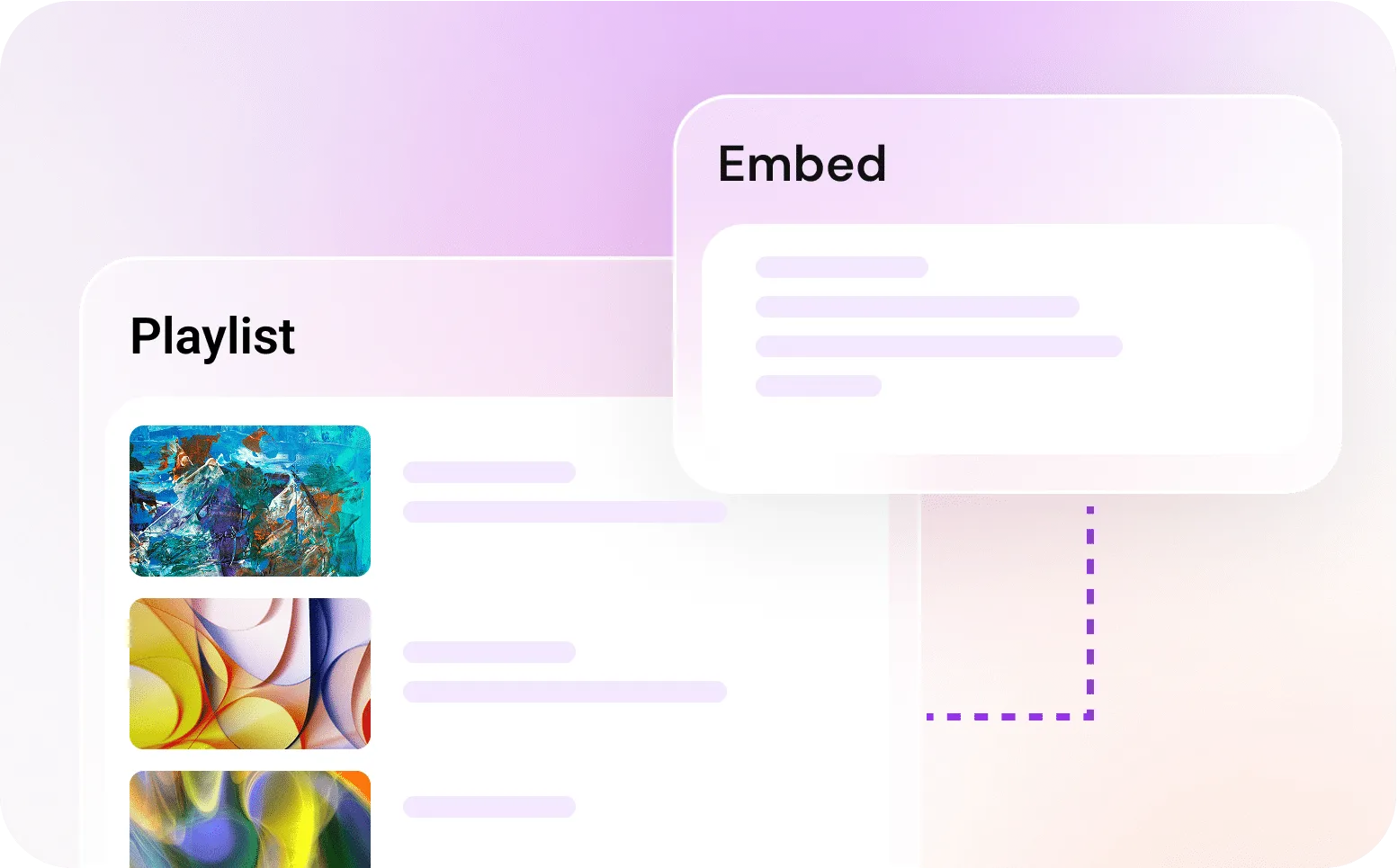
Embeddable Playlists
Create organized video playlists that can be embedded and shared while keeping content connected to your main library.
A Plan for Every Chapter
Pricing plans for businesses at every stage of growth.
Solo
Start with basic video hosting and sharing
/month
- 100GB Storage
- 200GB Bandwidth
- 10 AI credits
- Player customisations
- Password protection
- Video share pages
- Video embeds
- Playlists
- Analytics
- 10 AI credits
- 1 User Seat
- 1 Workspace
- Storage = $0.18 /GB
- Bandwidth = $0.045 /GB
Startup
Work together and use simple marketing tools
/month
- 250GB Storage
- 500GB Bandwidth
- 20 AI credits
- Everything in Solo
- 2 User Seats
- Marketing Suite
- 1 Workspace
- Team collaboration
- 20 AI Credits
- Storage = $0.15 /GB
- Bandwidth = $0.040 /GB
Professional
Manage multiple projects with branding focus
/month
- 500GB Storage
- 1TB Bandwidth
- 30 AI credits
- Everything in Startup
- 5 User Seats
- 3 Spotlight
- 2 Workspaces with CNAME
- 30 AI Credits
- Priority Encoding
- Storage = $0.12 /GB
- Bandwidth = $0.035 /GB
Growth
Handle more work, spaces, and faster processes
/month
- 1TB Storage
- 2TB Bandwidth
- 40 AI credits
- Everything in Professional
- 8 User Seats
- 10 Spotlights
- 5 Workspaces with CNAME
- 40 AI Credits
- High Priority Encoding
- Storage = $0.12 /GB
- Bandwidth = $0.030 /GB
Business
Get maximum capacity, control, and flexibility
/month
- 2TB Storage
- 4TB Bandwidth
- 50 AI credits
- Everything in Growth
- 15 User Seats
- 30 Spotlights
- 10 Workspaces with CNAME
- 50 AI Credits
- Highest Priority Encoding
- Storage = $0.10 /GB
- Bandwidth = $0.025 /GB
Solo
Start with basic video hosting and sharing
- 100GB Storage
- 200GB Bandwidth
- 10 AI credits
- Player customisations
- Password protection
- Video share pages
- Video embeds
- Playlists
- Analytics
- 10 AI credits
- 1 User Seat
- 1 Workspace
- Storage = $0.18 /GB
- Bandwidth = $0.045 /GB
Startup
Work together and use simple marketing tools
- 250GB Storage
- 500GB Bandwidth
- 20 AI credits
- Everything in Solo
- 2 User Seats
- Marketing Suite
- 1 Workspace
- Team collaboration
- 20 AI Credits
- Storage = $0.15 /GB
- Bandwidth = $0.040 /GB
Professional
Manage multiple projects with branding focus
- 500GB Storage
- 1TB Bandwidth
- 30 AI credits
- Everything in Startup
- 5 User Seats
- 3 Spotlight
- 2 Workspaces with CNAME
- 30 AI Credits
- Priority Encoding
- Storage = $0.12 /GB
- Bandwidth = $0.035 /GB
Growth
Handle more work, spaces, and faster processes
- 1TB Storage
- 2TB Bandwidth
- 40 AI credits
- Everything in Professional
- 8 User Seats
- 10 Spotlights
- 5 Workspaces with CNAME
- 40 AI Credits
- High Priority Encoding
- Storage = $0.12 /GB
- Bandwidth = $0.030 /GB
Business
Get maximum capacity, control, and flexibility
- 2TB Storage
- 4TB Bandwidth
- 50 AI credits
- Everything in Growth
- 15 User Seats
- 30 Spotlights
- 10 Workspaces with CNAME
- 50 AI Credits
- Highest Priority Encoding
- Storage = $0.10 /GB
- Bandwidth = $0.025 /GB
Organized workflows are only the start
Explore engagement, monetization, AI powered tools, and video delivery features designed to extend what your team can do with video.
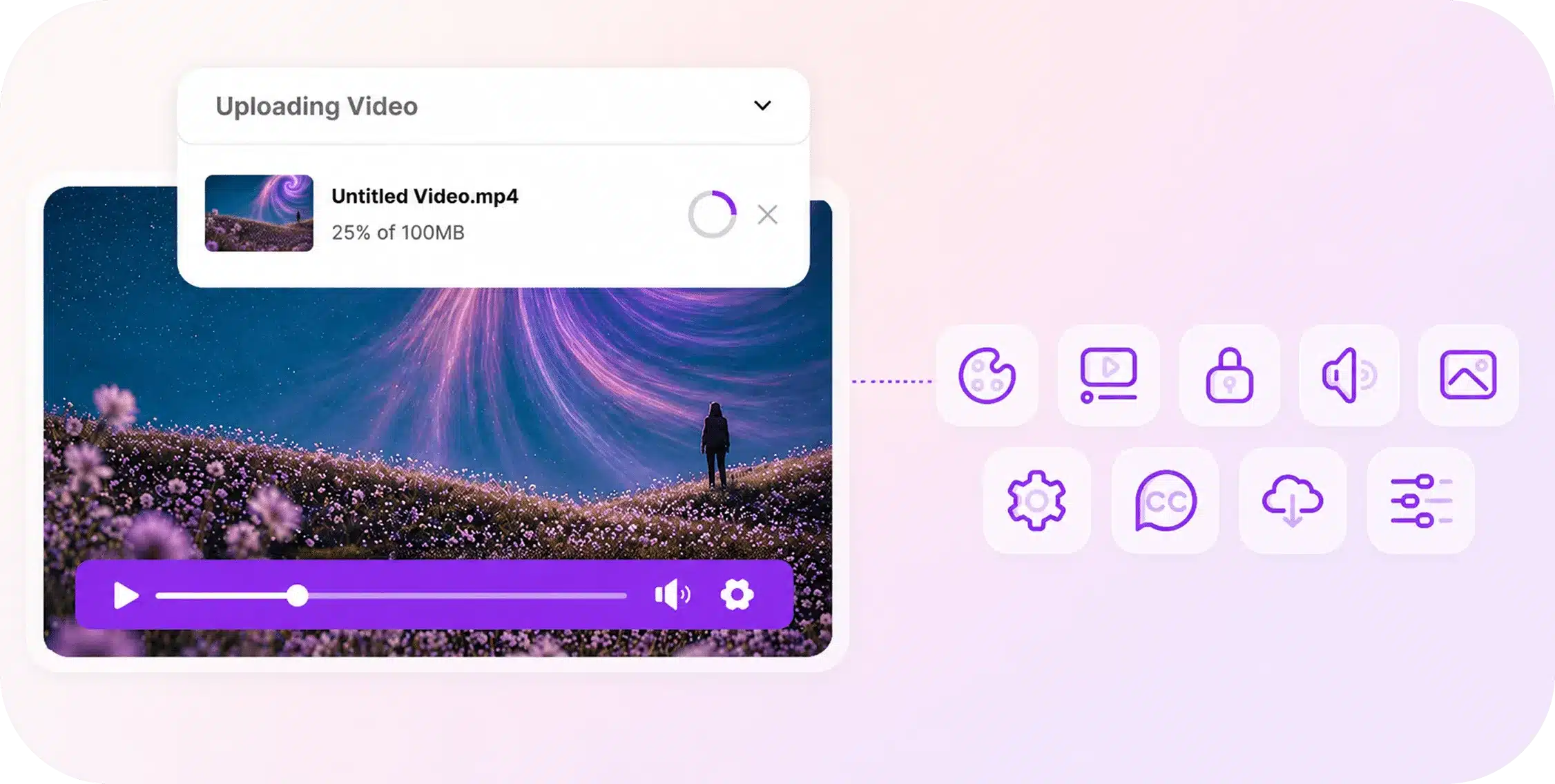
Host & Deliver
Deliver videos with fast playback, adaptive streaming, customizable players, privacy controls, and infrastructure designed to scale clearly as your usage grows.
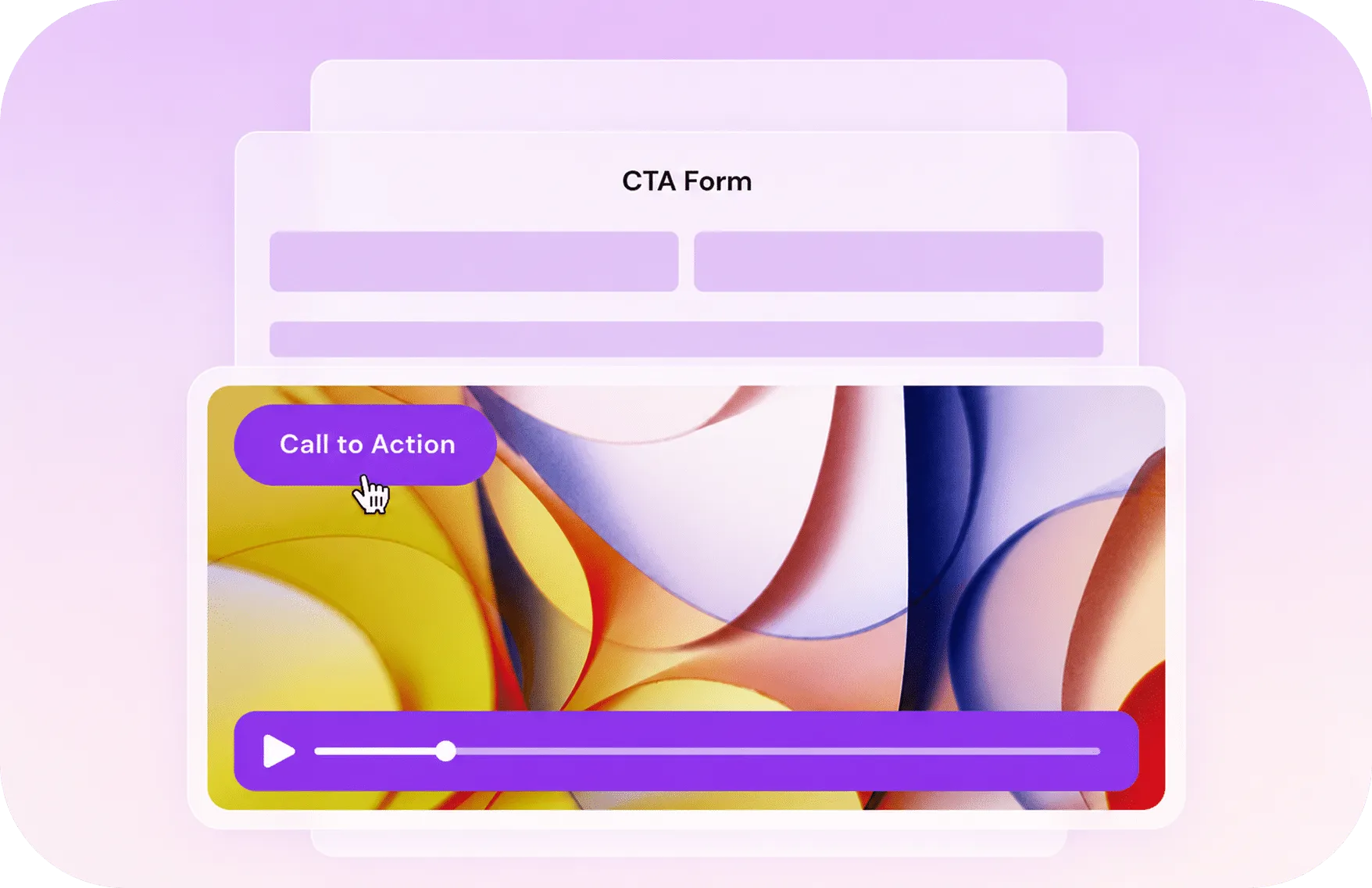
Engage & Convert
Turn passive viewing into action with forms, calls to action, analytics, and interactive tools designed to increase engagement and conversions naturally.
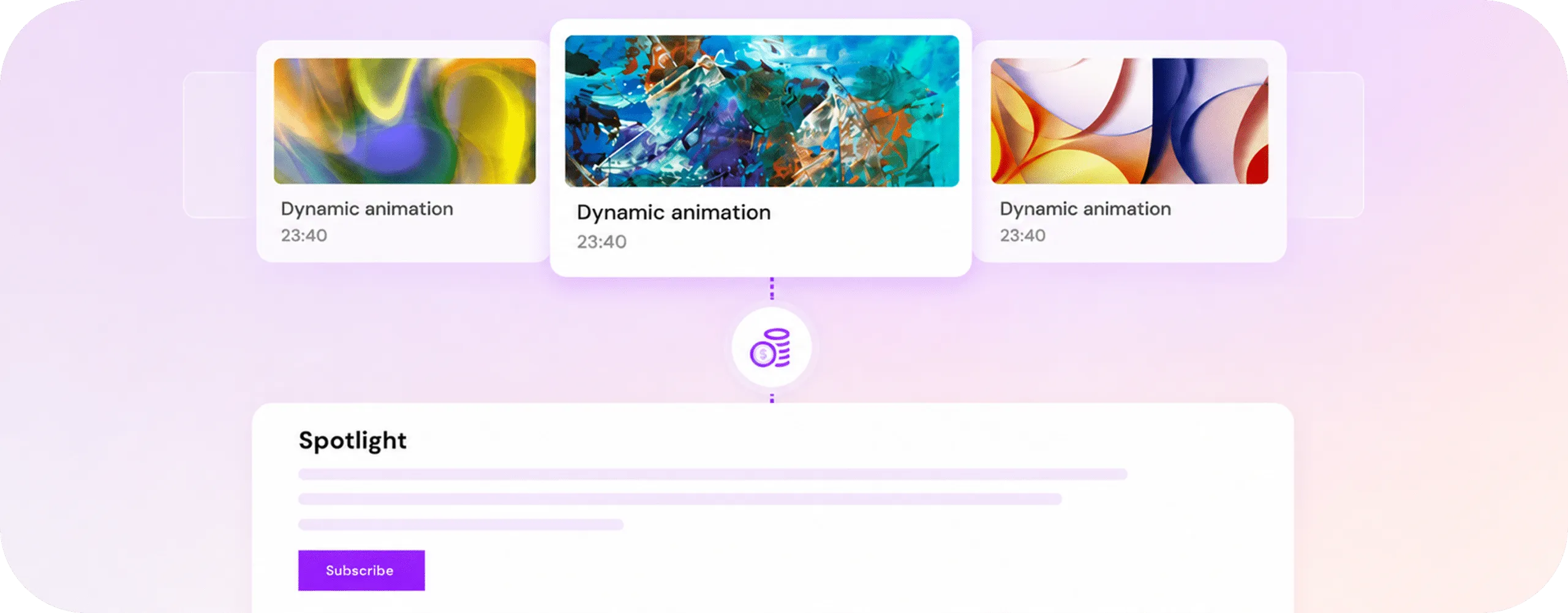
Monetize
Create premium video experiences with Spotlight collections, paywalls, and direct monetization tools without additional platform transaction fees.

Skippz AI
AI should be accessible to everyone. Generate captions, translations, chapters, and smarter video workflows directly inside your existing experience.
Ask Away
Can I organize videos like folders on my computer?
Can I search and filter videos easily?
Yes. You can use tags and search to find videos faster as your library grows. This helps teams manage larger collections without digging through folders manually every time.